Open / filled blocks Editable grid Local processing
Physical validation by an experienced crocheter is still pending. Work a small test piece before using the full chart.
A SHAPE DEFINED BY OPEN SPACE
Convert an Image to Open and Filled Blocks
Two block states. A clear silhouette to work from.
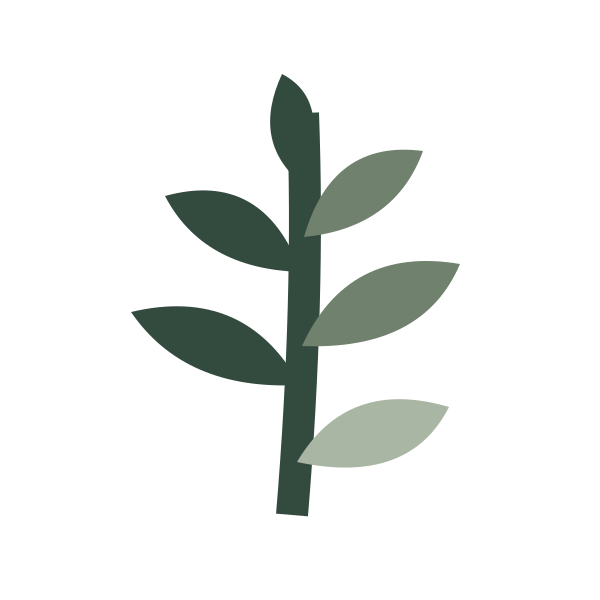
SOURCE ARTWORK
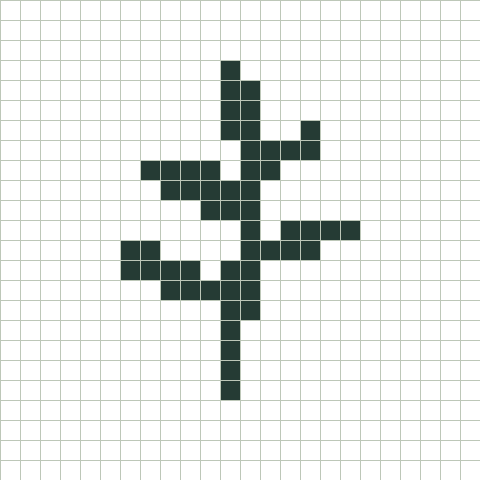
OPEN / FILLED CHART
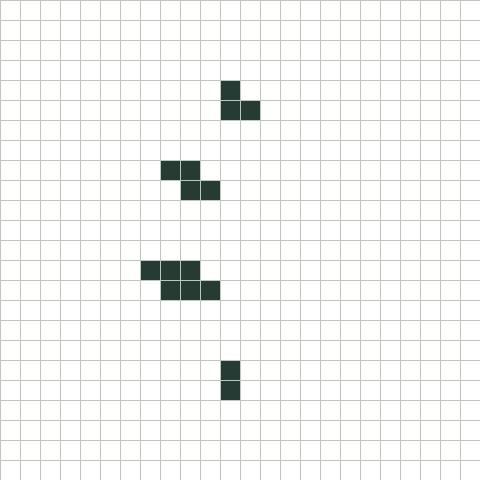
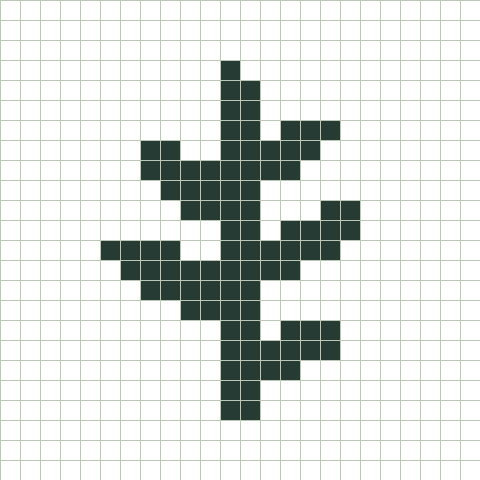
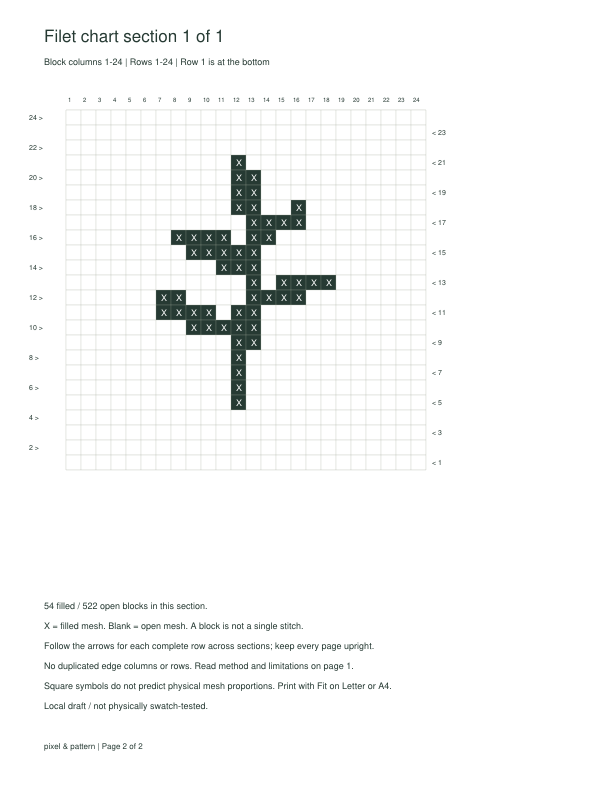
Fern · 24 × 24 blocks · threshold 150 Original vector artwork and actual tool output; not a photograph of finished lace.
A filet crochet pattern generator with two states
Choose a clear silhouette or high-contrast image. The tool samples it into a block grid, converts brightness to an open-or-filled decision, and gives you an editable chart. It does not assign yarn colors or treat every square as a single stitch.
Move the threshold up to fill more of the lighter parts of the source. Move it down to keep only darker areas. Transparent pixels are placed on white before conversion. A higher setting can join details together, so inspect the spaces as well as the motif.
Choose a useful size. Then edit the details deliberately.
01 / BLOCK DIMENSIONS
Set columns and block rows
Choose 8–128 blocks per side. The proportion lock follows the source image, with whole-block rounding and size limits. Unlock it to set a different rectangle, then use Fit entire image or Center crop. These are chart proportions; the actual mesh depends on your thread, hook, and tension.
02 / INDIVIDUAL BLOCKS
Clean a contour or restore a detail
Click a block to switch its state, or enter its column and row to Fill or Open it precisely. Row numbers start at the bottom. Keyboard users can focus the chart, move with arrow keys, and press Enter or Space. Undo and Redo keep up to 30 editing actions.
03 / WHOLE-GRID CHANGES
Invert the motif or review its edge
Invert current grid swaps every open and filled block, including your edits. Open outer edge clears only the outside row and columns. It does not add stitches or define a crochet border. Both operations can be undone. Changing the source, threshold, size, or image fit regenerates the chart and clears edit history.
□ ≠ 1 st
Count blocks as blocks
A 24 × 24 grid has 576 mesh positions. That is not a 576-stitch pattern. This version deliberately provides block counts without foundation-chain, stitch-total, or yarn calculations.
FROM A BLOCK CHART TO YOUR WORKTABLE
Read and Print Your Filet Chart
One consistent key. Numbered rows and direction arrows.
The supported method: rectangular 4-dc mesh
The chart uses the common 4-dc mesh convention in US terms: a filled mesh spans four double-crochet posts, while an open mesh has a chain-two space between its boundary posts. Neighboring blocks share the boundary post. An open chart square is mesh, not fabric to skip entirely.
Row 1 sits at the bottom. Choose its starting edge; later rows alternate direction. The chart image stays in the same orientation. The PDF key identifies filled blocks with X marks and open blocks with blank squares. Ink-saving mode keeps X marks without dark fills.
Larger charts split into sections, left to right in horizontal bands from the bottom upward. Read each complete global row across the relevant pages in its arrow direction. No blocks are repeated at joins. Print with Fit on Letter or A4; square symbols are not a full-size mesh template.
The PDF supplies a chart, not written row instructions, chain setup, shaping, or a yarn estimate. 3-dc mesh, lacets, and fancy mesh are outside this version.
BEFORE YOU WORK THE MESH
Filet Pattern Questions
Practical answers about blocks, edits, and printing.
Can I change individual blocks in the chart?
Yes. Click or tap a block in Block chart view to toggle it. For precise selection, enter a column and row, then choose Fill or Open. The row coordinate is counted from the bottom. Arrow keys and Enter or Space provide the same control on the focused chart.
What is the difference between blocks and stitches?
A block is one unit of the mesh diagram, not an individual crochet stitch. The supported 4-dc method shares boundary posts between adjacent blocks. The totals shown here count open and filled blocks only; they cannot be used directly as stitch or starting-chain totals.
Can I make a filet crochet chart from a photo?
Yes. Use PNG, JPG, or WebP up to 20 MB and 24 megapixels. Crop around a distinct subject, then try the threshold slider. A busy photograph can turn into scattered blocks, so a silhouette or simple illustration usually requires fewer manual corrections.
How do I reverse the open and filled areas?
Choose Invert current grid. It flips every block in the current chart, including manual edits. Choosing it twice returns the same block arrangement. Undo can also restore the previous grid.
Can I print a large filet chart across several pages?
Yes. The PDF begins with a method and key page, then uses chart sections of up to 30 × 30 blocks. Global row and column numbers stay consistent across pages. Follow the row arrows across sections rather than finishing one section as a separate piece.
Does this calculate the starting chain or written instructions?
No. This version exports a block chart only. It does not calculate foundation chains, turning chains, stitch totals, yarn amounts, shaped edges, or written row instructions. Use an appropriate method reference and verify your setup with a small swatch.
Why did my block edits disappear after adjusting the threshold?
Threshold, size, image-fit, and source changes regenerate the conversion. They start a new editing history. Set those choices before refining individual blocks. Changing the reading direction or print style preserves the edited grid.
Is this the same as a tapestry crochet graph?
No. Filet uses open and filled mesh blocks. For a colored single-crochet chart with stitch gauge and a color key, use the crochet graph maker. This page does not convert mesh blocks into individual tapestry stitches.
Have the example patterns been physically tested?
Not yet. Digital checks compare conversion, edits, directions, and PDF blocks. They do not prove the result of a specific thread, hook, or tension.
Is my image uploaded or stored?
Conversion and downloads happen locally in your browser. No image or filename is sent to our server. Switching tools in this tab temporarily stores the source and settings in the browser; a transfer is deleted when read. Unused transfers expire after one hour and are cleaned up at the next transfer. Download your work before closing the tab.
The source follows you between tools. PNG/XLSX can preserve your edited block colors; their grids are not filet instructions. The crochet and bead tools recalculate their own outputs.